
Parametric Multi-Drawer Cabinet CAD File
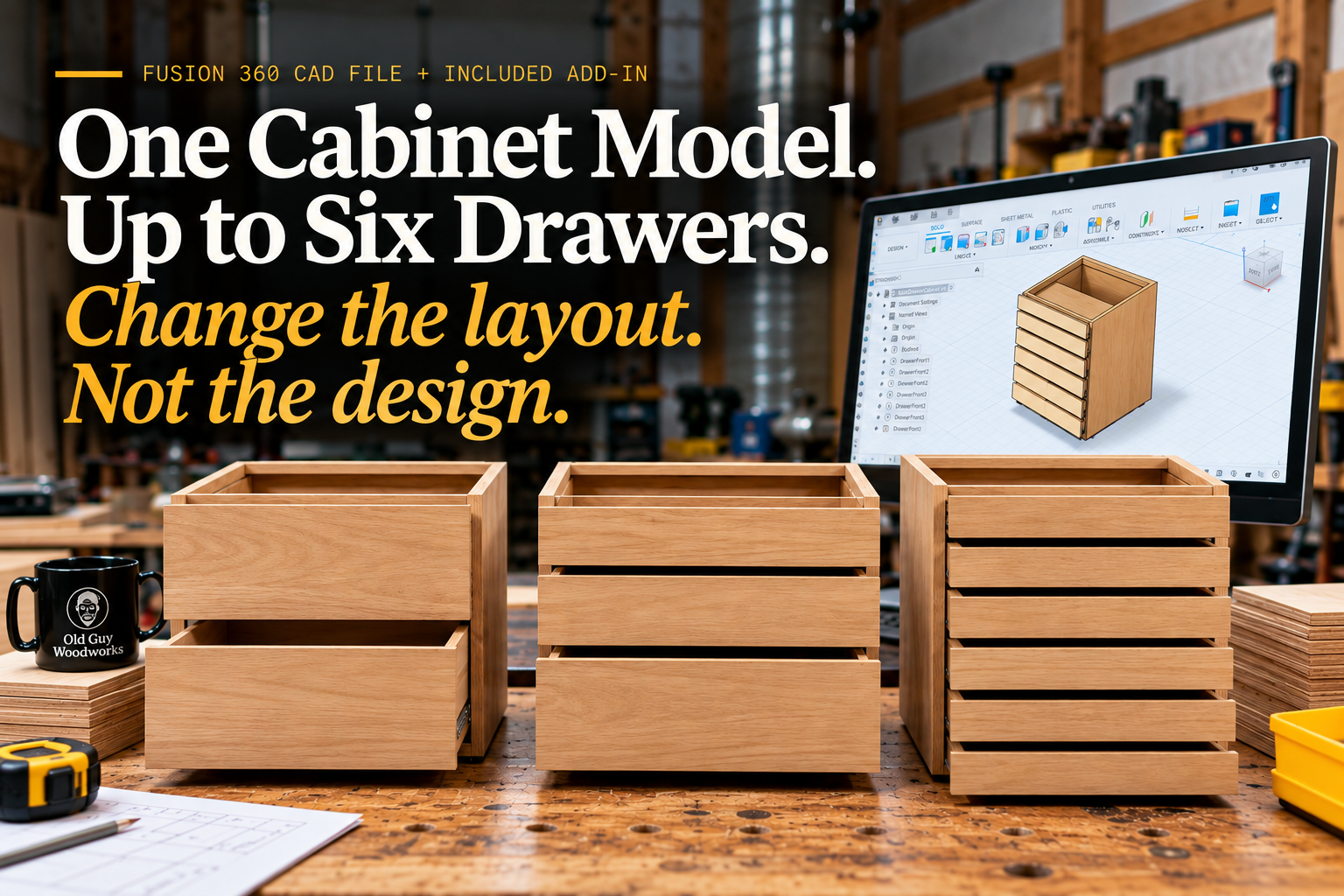
A Fusion 360 model designed to support two through six drawers.
Fusion 360 CAD file + included add-in
Change the layout. Not the design.
Create two- to six-drawer cabinet configurations from one parametric Fusion model. Adjust drawer count, face heights, reveals, and other settings using the included Fusion add-in—without rebuilding the cabinet from scratch.
What you receive
The Fusion add-in is part of this purchase. It is not sold separately.
A Fusion 360 model designed to support two through six drawers.
An included interface for adjusting supported cabinet and drawer parameters without manually editing the underlying model.
Support for equal-height or custom drawer-face configurations, with adjustable reveals and other model parameters.
$10.00 for the CAD file and included add-in.
How it works
Start with the included parametric cabinet design.
Use the included Fusion add-in to adjust drawer count, face layout, and supported parameters.
Work with the resulting Fusion model as part of your cabinet-design workflow.
Demonstration video
Need help? Contact support.