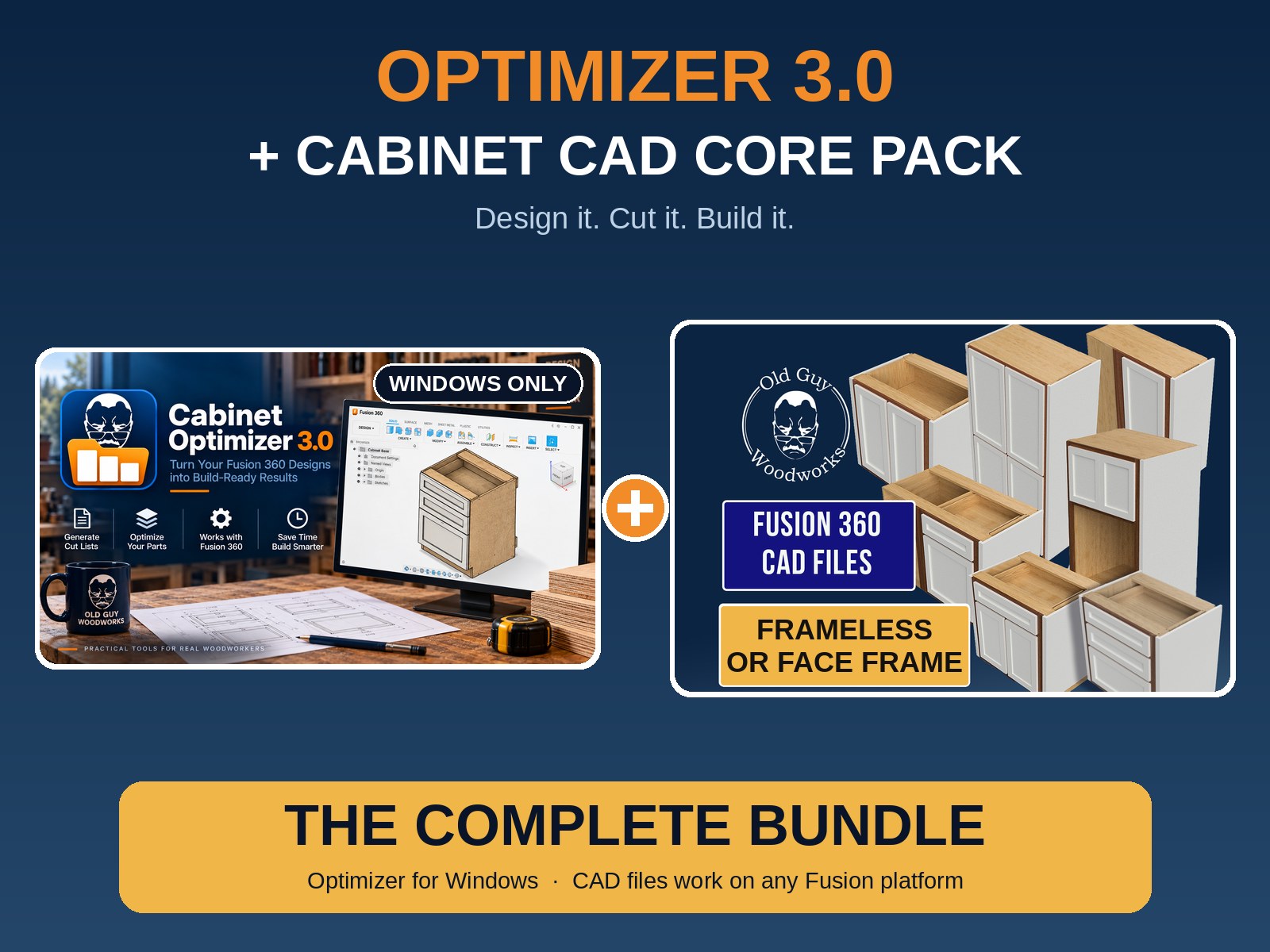
Design it. Cut it. Build it.
The complete bundle.
Start with a Cabinet CAD Core Pack of parametric Fusion 360 cabinets, frameless or face frame. Then run Cabinet Optimizer 3.0 to turn your design into organized, shop-ready cut lists.
$54.99
$68.99 separately · Save $14
Choose Frameless or Face Frame at checkout.
Optimizer for Windows · CAD files work on any Fusion platform
Two tools. One workflow.
The bundle includes Optimizer 3.0 and one Cabinet CAD Core Pack. You pick the pack style at checkout.
Software · Windows 64-bit
Cabinet Optimizer 3.0
$29.99 on its own
Fusion 360 exporter that reads the cabinet parts in your model
Organized production cut lists with three-level sorting
Combine Like Parts
Face-frame parts, door and drawer-front finished sizes
Finished drawer-box sizes and drawer-box manufacturing parts
Adjustable columns, and hide the columns you don't need
Imperial and metric display
PDF and CSV export
Fusion 360 CAD files · choose one
Cabinet CAD Core Pack
$39 on its own
Frameless · 10 models
Base, 1 drawer + door
Three-drawer stack
Base, full doors
Blind base corner (left)
Upper, full doors
Upper blind corner (left)
Tall, double oven
Tall, single oven
Tall, full doors
Tall, split doors
Face Frame · 9 models
Base, 1 drawer + door
Three-drawer stack
Base, full doors
Blind base corner (left)
Upper, full doors
Upper blind corner (left)
Tall, double oven
Tall, single oven
Tall, full doors
Each pack includes an Excel file and PDF documenting the adjustable parameters.
From model to cut list.
1 Pick your pack Choose Frameless or Face Frame at checkout. Both include Optimizer 3.0.
2 Design in Fusion Start from the parametric cabinet models and adjust sizes and layouts to fit your job.
3 Export and optimize Use the included Fusion exporter to send cabinet parts to Optimizer 3.0, then sort, combine, and review.
4 Take it to the shop Export the results as PDF for shop reference or CSV for the next step in your workflow.
Before you buy.
Optimizer is Windows only
Cabinet Optimizer 3.0 runs on Windows 64-bit. The CAD files are Fusion 360 designs and work on any platform Fusion runs on.
Design models, not toolpaths
The CAD files contain design models only, with no CAM or manufacturing setups and no STL exports.
Built around real tooling
Geometry is based on common cabinet tooling: 3/8", 5 mm, and 1/8" end mills.
One-time purchase
$54.99 for Optimizer 3.0 plus one Core Pack. No subscription.
Need help? Contact support .